
Ybug is a capable feedback widget: screenshot annotation, console logs, and a long list of PM integrations, all for a reasonable price. It's built for a dev or QA team that wants technical context on every report. If your reporter is a client who has never heard the word "console," here's an honest look at your options.
Why agencies look for Ybug alternatives
Ybug's reporter doesn't need an account, which is a real strength. But the site still needs the Ybug widget installed first — a copy-paste snippet, an npm package, a browser extension, or a CMS plugin for WordPress, Shopify, Webflow, Wix, or Bubble. Someone on your team has to add that before a client can click anything.
For a dev team shipping their own product, that's a few minutes of setup once. For an agency juggling a dozen client sites at different stages, it's one more install step per project, and one more thing that can be missing when a client tries to leave feedback and sees nothing there.
The six best Ybug alternatives
1. tapko.app — best for client-facing agencies
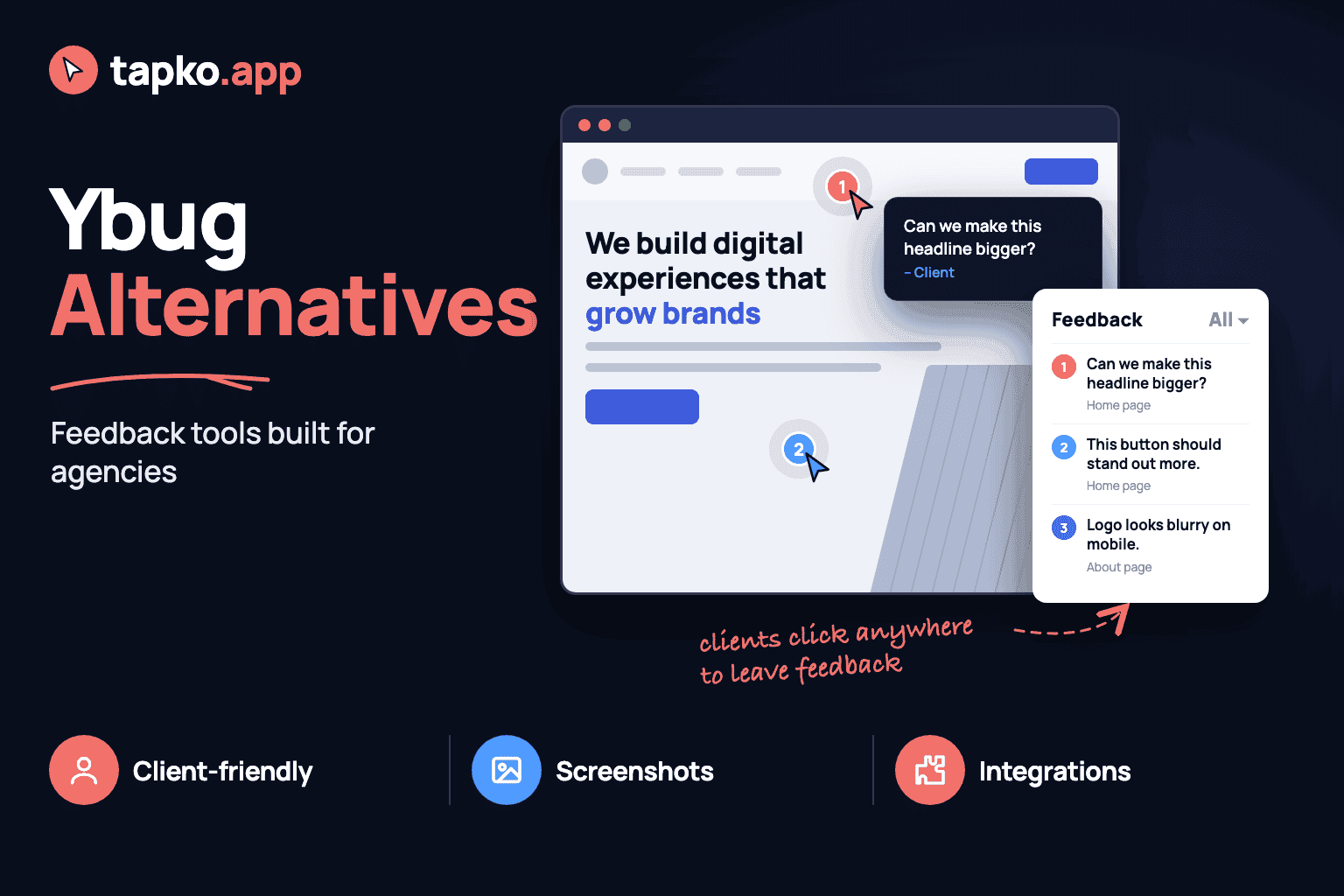
tapko.app is built specifically for the agency-client relationship. Clients don't need an account, and the site doesn't need a widget installed in advance — they open a shared link, click anywhere on the live site, and leave a comment. The tool automatically captures the screenshot, URL, device, browser, and viewport. Your team sees everything in one dashboard.
Pricing: First project free forever. Pro plan with unlimited projects at $49/month.
Best for: Agencies with non-technical clients who won't create accounts.
Integrations: ClickUp, Slack, Jira, Asana, Notion, Trello.
2. Marker.io — best for dev teams
Marker.io requires a script tag and has a browser extension for reporters. It's feature-rich and integrates well with developer tools, similar in spirit to Ybug, but clients need to install the extension or be comfortable with browser-based reporting. The client UX is more complex than tapko.app.
Best for: Agencies where clients or QA testers are comfortable with browser tools.
Not ideal for: Small business clients who just want to click on what bothers them.
3. Pastel — best for design review
Pastel is purpose-built for website design feedback. Clients open a Pastel link, no account and no widget install required, and click to annotate. It's simpler than Ybug but lacks the technical capture depth — no console logs, no network details. Best for pure design review, less suited for ongoing bug tracking.
Best for: One-time design approval cycles on static pages.
Not ideal for: Ongoing bug reporting or multi-page web applications.
4. BugHerd — best for teams that want task management built in
BugHerd has been around since 2012 and pairs visual feedback with its own project management layer. Like Ybug, it needs a script installed on the site, but it also requires clients to create an account and log in before leaving feedback — an extra step Ybug itself skips.
Best for: Teams that want bug tracking and task management in one tool.
Not ideal for: Agencies whose clients won't sign up for another account.
5. Usersnap — best for internal QA and surveys
Usersnap is a flexible feedback widget most commonly used by SaaS and product teams for internal QA and in-app micro-surveys. It supports screenshot annotation and integrates with most PM tools, but reporters generally need to be invited into a project rather than clicking a shared link — closer to Ybug's dev-team audience than an agency's client.
Best for: Product teams collecting internal QA feedback alongside NPS surveys.
Not ideal for: Agencies who want a zero-invite, purpose-built client reporting flow.
6. Userback — best for product teams
Userback has strong session replay and user sentiment features. Like Ybug, it runs as a widget on the site and leans toward SaaS products tracking real users over time, rather than a single client reviewing a single site before launch.
Best for: Product teams tracking UX across many users.
Not ideal for: Agencies collecting feedback from a single client per project.
How Ybug stacks up against the alternatives
| Tool | Starting price | Client setup | Best for |
|---|---|---|---|
| tapko.app | Free / $49/mo | None | Client-facing agencies |
| Ybug | See their pricing page | Widget install (no account) | Dev and QA teams |
| Marker.io | See their pricing page | Extension or script | Dev teams |
| Pastel | See their pricing page | Link-based (no account) | Design review |
| BugHerd | See their pricing page | Account required | Teams wanting PM built in |
| Usersnap | See their pricing page | Invite-based | Internal QA / surveys |
| Userback | See their pricing page | Script tag | Product teams |
How to choose the right Ybug alternative
The right choice depends on one question: who's leaving feedback, and do they have any patience for a technical widget?
If your reporters are developers or QA testers who want console logs and network details alongside a screenshot, Ybug does that well — that's what it's built for. If your clients are business owners, marketers, or anyone who isn't paid to test software, you need something with zero setup on either side — and tapko.app is your best option.
The most expensive feedback tool is the one your clients don't use. A widget that sits uninstalled because nobody got around to adding the snippet costs more than an affordable tool a client can open with one click.
Frequently Asked Questions
What is the best Ybug alternative for agencies?
tapko.app is the best Ybug alternative for agencies with non-technical clients. It includes unlimited projects at $49/month and requires zero client setup. Clients click on the live site without creating an account or installing a widget.
Does Ybug require clients to install anything?
Clients don't need an account, but the site itself needs the Ybug widget installed first, through a snippet, npm package, browser extension, or CMS plugin. That setup step sits with your dev team, not the client, but it still has to happen before anyone can leave feedback.
How does tapko.app pricing compare to Ybug?
Why do agencies look for Ybug alternatives?
Ybug is built around a widget embedded in the site, aimed at dev and QA teams who want console logs and technical context on every report. Agencies whose clients are non-technical often want a shared-link flow with no widget to install at all.