Canvas · website feedback for agencies
Send one link. Get feedback on the whole page.
Canvas turns your site into a full-page snapshot clients can click and comment on. Nothing to install on the site, nothing for the client to learn.
Free plan includes one project. No credit card.
installs on your site
link to share
to start collecting
How it works
Three steps. Zero setup.
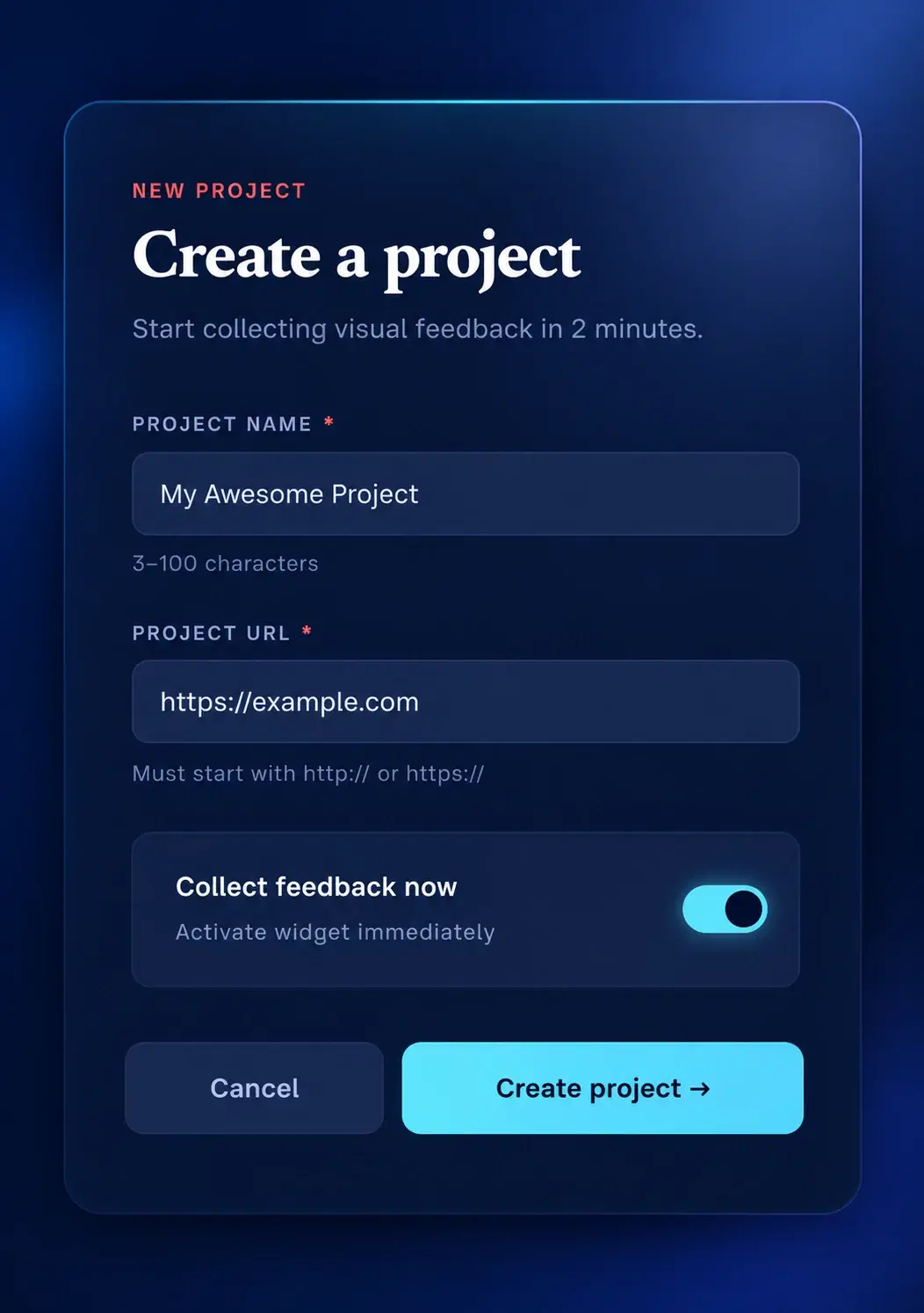
Paste a URL.
Name the project, add the site address, hit create. That is all the setup there is.
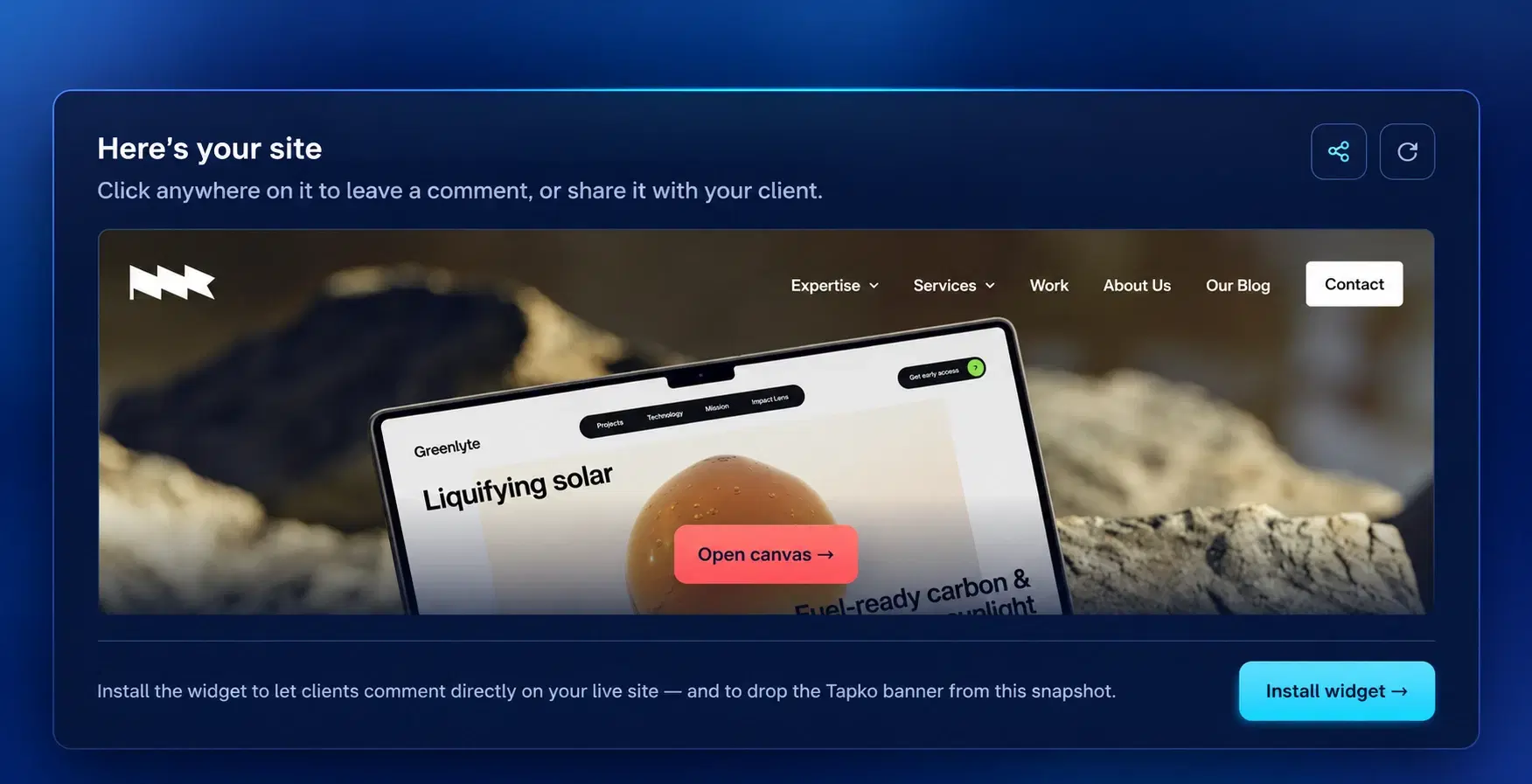
Get your site back as a canvas.
tapko.app captures the full page and opens it ready for comments. Share it with one click.
Clients click. You get the fix list.
Your client clicks where something is off, types, and submits. No account, no install, no walkthrough.
What you get
Everything a review needs. Nothing it doesn't.
Full-page snapshot
The whole page, top to footer, captured from your URL. Reviewers scroll it like the real thing.
One shareable link
Copy the canvas link, send it to your client. That is the entire handover.
Click to comment
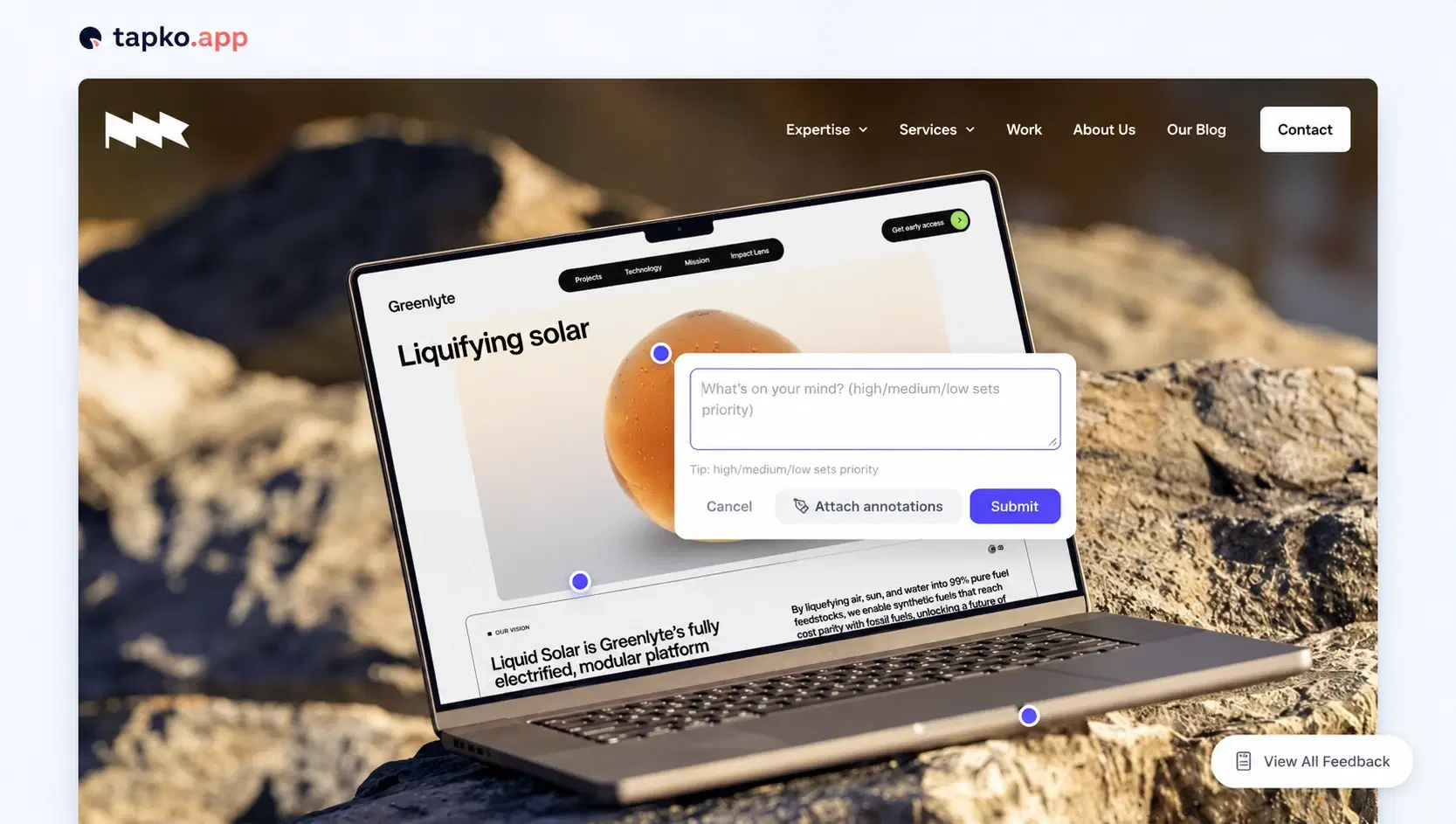
Pin a comment exactly where the problem is. No screenshots, no "the thing near the top".
Priority in plain words
Type high, medium or low in a comment and it sets the priority for you.
Annotations
Attach drawn annotations when a pin alone does not say enough.
One feedback board
Every comment lands in your tapko.app board, with your Slack and Jira integrations.
Canvas vs widget
Start on the snapshot. Move to the live site.
You don't have to choose. Canvas is where you start; the widget is the optional step up to the live site.
Day one
- Nothing to install
- Works the moment you paste a URL
- Share a single link
- Refresh the snapshot when the site changes
When you're ready
- Comments on your live site
- One script tag, per-platform guides
- Drops the tapko.app banner from the snapshot
- Needed for sites behind a login
Questions
Short answers.
Does my client need to install or sign up for anything?
No. A client opens the canvas link, clicks anywhere on the page and types a comment. There is no widget on your site and no client account to create.
Is the canvas a live view of my website?
No. It is a full-page snapshot taken when you create the project. Refresh it from the project page after the site changes. To collect comments on the live site itself, install the widget.
Can I capture a site that sits behind a login?
No. The capture runs from our servers, so it can only see pages that are publicly reachable. Login-gated sites keep the install-first flow with the widget.
Where do the comments end up?
In the same feedback board as every other tapko.app comment, with your existing Slack, Jira, ClickUp and other integrations.
What does it cost?
Canvas is part of tapko.app. The free plan covers one project, and Pro is $49 a month for unlimited projects.
Your first canvas is two minutes away.
Paste a URL, share the link, read the feedback.
Free plan covers one project. Pro is $49/month for unlimited projects.