
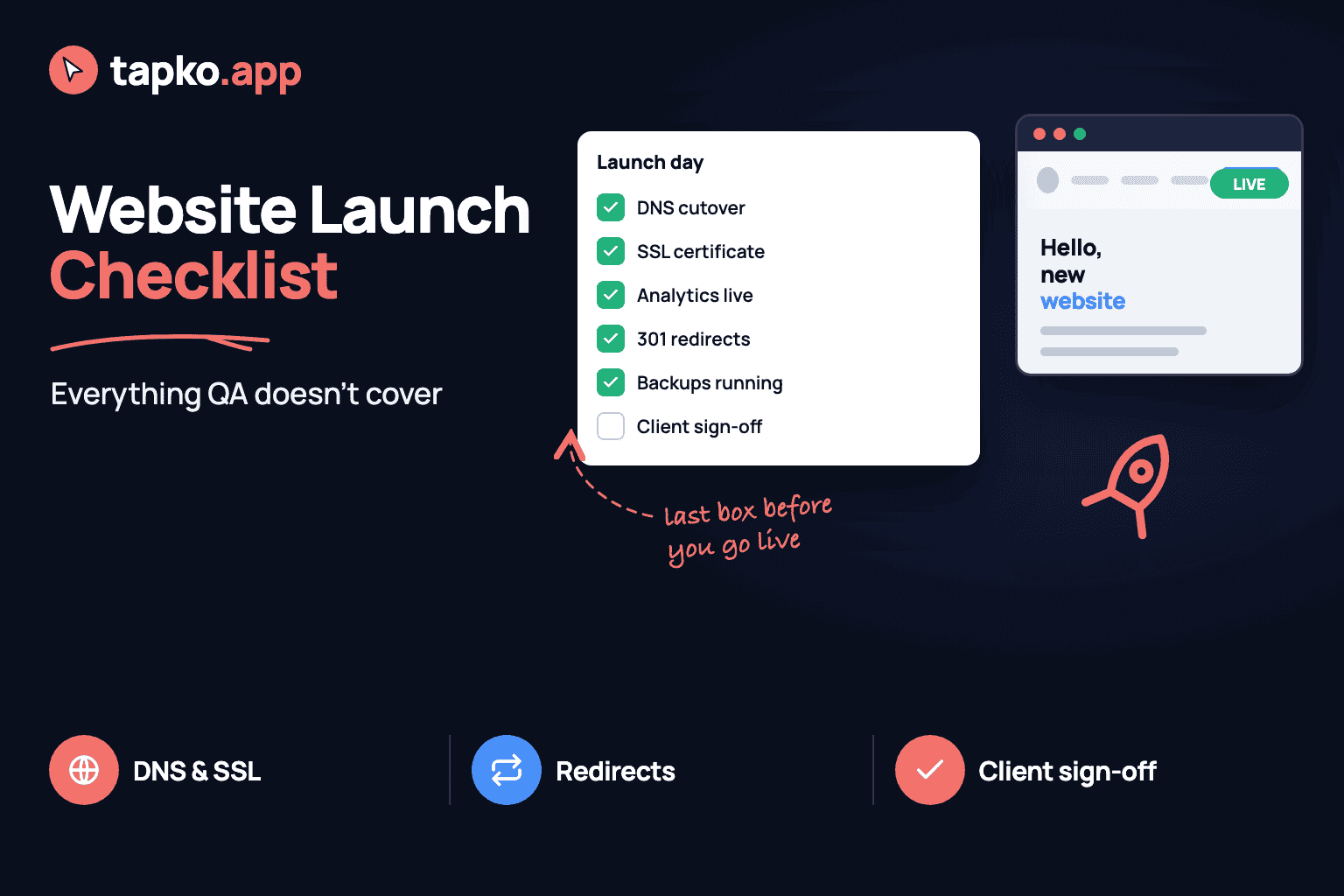
QA tells you the build works. It doesn't tell you the domain will resolve, the old site's rankings will survive the move, or that someone actually signed off before you flipped the switch. That's a separate list, and it's the one that gets skipped when launch day runs long.
This is that list: what to check around the build, not inside it. If you're looking for the testing checklist — functionality, forms, cross-browser, accessibility — that's the website QA checklist. Run that one first. Run this one on launch day.
Before you touch DNS
Everything below should happen before you cut over the domain, with one exception noted later. Doing it in order means you're not debugging DNS propagation and a missing redirect map at the same time.
1. DNS and domain cutover
Confirm who controls the domain's DNS records — the client, their old agency, or you — before launch week, not on launch day. Lower the TTL on the existing records 24-48 hours ahead so the cutover propagates fast instead of sitting in cache for a day. Have the new A/CNAME records ready to paste in, not to figure out live.
2. SSL certificate
A certificate that covers the root domain doesn't automatically cover www or any other subdomain. Check SSL is valid on every one a visitor might actually type or land on. If you're on auto-renewing certs, confirm renewal is actually configured — a cert that expires silently six months after launch is a problem with your name on it.
3. 301 redirects from the old site
If a site already existed at this domain, every indexed URL on it needs a destination. Pull the full list from Search Console or a crawl of the old site, and map each one to its closest equivalent on the new site. A redirect to the homepage for everything is better than a 404, but it still loses the specific ranking signal that page had. Skip this and you're relaunching the site's SEO from zero.
4. Sitemap and robots.txt
Generate the sitemap against the live domain, not staging, and submit it after cutover. Then check robots.txt directly — the staging block that was correctly keeping crawlers out needs to be gone, or the new site never gets indexed and nobody notices for weeks.
5. Analytics and Search Console verification
Install the analytics tag once, confirm it fires on the live domain, and check a real session shows up — not just that the tag manager debugger says it's connected. Verify Search Console ownership on the production domain and submit the sitemap from inside it. Both of these are easy to set up on staging and forget to re-verify after the domain changes.
6. Legal pages
Privacy policy, terms of service, and a cookie policy if the site sets any non-essential cookies. Check the content actually matches what the site does — a privacy policy copied from a template that mentions a newsletter the site doesn't have is worse than no policy, because it's a specific claim that's false.
7. Backup and rollback plan
Take a full backup of the old site — files and database — before you touch anything, and actually test that it restores somewhere, not just that the backup file exists. Know in advance what rolling back looks like: reverting DNS, restoring the backup, or both. Deciding that under pressure after something breaks is how a bad launch becomes a bad week.
The one step that comes after the build is visible
Final client sign-off has to happen on the real thing — the live or staging site as a visitor would see it — not on a deck of screenshots or a verbal “looks good” at the end of a call. A screenshot is a description of the site; approving a description isn't the same as approving the site, and it's where disputes start when something looks different three weeks later.
The cleanest version of this step is having the client open the actual URL and respond to what's actually there. That's the one place tapko.app fits into a launch, rather than into the build itself: the client opens the live staging or production link, clicks directly on anything they want to flag or approve, and there's no account to create first. You get their response attached to the real page instead of a thread about which version they meant.
Pricing: First project free forever. Pro plan with unlimited projects at $49/month.
Launch-day checklist, copy-paste version
# Website Launch Checklist — [project] — [date]

## Before cutover
- [ ] DNS access confirmed; TTL lowered 24-48h ahead
- [ ] New A/CNAME records ready to paste in
- [ ] SSL cert valid on root, www, and every subdomain
- [ ] Cert auto-renewal configured and confirmed
- [ ] Full backup of old site (files + database) taken and test-restored
- [ ] Rollback plan written down: what reverting DNS looks like, who does it

## Redirects and indexing
- [ ] Full list of old site's indexed URLs pulled from Search Console/crawl
- [ ] 301 redirect mapped for every old URL to its closest new equivalent
- [ ] Sitemap generated against the live domain
- [ ] robots.txt checked — staging block removed
- [ ] No stray noindex tags left from staging

## Analytics and legal
- [ ] Analytics tag installed, firing, confirmed with a real session
- [ ] Search Console verified on the production domain; sitemap submitted
- [ ] Privacy policy present and accurate to what the site actually does
- [ ] Terms of service present
- [ ] Cookie policy present if non-essential cookies are set

## Sign-off
- [ ] Client reviewed the live or staging site directly, not screenshots
- [ ] Approval documented in writing, attached to the actual page
- [ ] Launch date and who approved it logged somewhere you can find later
What this list doesn't cover
This is deliberately not a testing checklist. It assumes the build already passed one. If you haven't run that pass yet — links, forms, responsive layout, performance, accessibility — the website QA checklist covers it section by section, with the same copy-paste format.
Most launch-day problems aren't bugs. They're a redirect nobody mapped, a cert that only covers one subdomain, or an approval that was never actually written down. None of that shows up in QA, because none of it lives inside the build.
Frequently Asked Questions
What is the difference between a launch checklist and a QA checklist?
QA checks whether the build works — links, forms, responsive layout, accessibility. The launch checklist covers everything around the build: DNS cutover, SSL, redirects from the old site, analytics verification, legal pages, backups and the final client sign-off. You need both, and they run at different times.
What should be on a website launch day checklist?
DNS and domain cutover, a valid SSL certificate on every subdomain, analytics and Search Console verification, an updated sitemap and robots.txt, 301 redirects from old URLs, privacy policy and terms pages, a tested backup and rollback plan, and a documented client sign-off before anyone calls it done.
Do I need 301 redirects if the site is brand new?
Only if an old site existed at that domain. If the old site had indexed pages, map every one of them to its closest equivalent on the new site with a 301 redirect, or you lose the search rankings and backlinks those pages built up.
Who gives final sign-off before a website goes live?
The client, in writing, after reviewing the live or staging site themselves — not a verbal “looks good” on a call. Getting that approval attached to the actual page, rather than to a description of it, avoids disputes later about what was and wasn't approved.